Secure Payment
Choose a payment method below, pay the plan amount, then tap "Activate" to send your screenshot on Telegram for instant access.
⚠️ Enter this amount manually in your UPI app — the QR/ID may not auto-fill it.
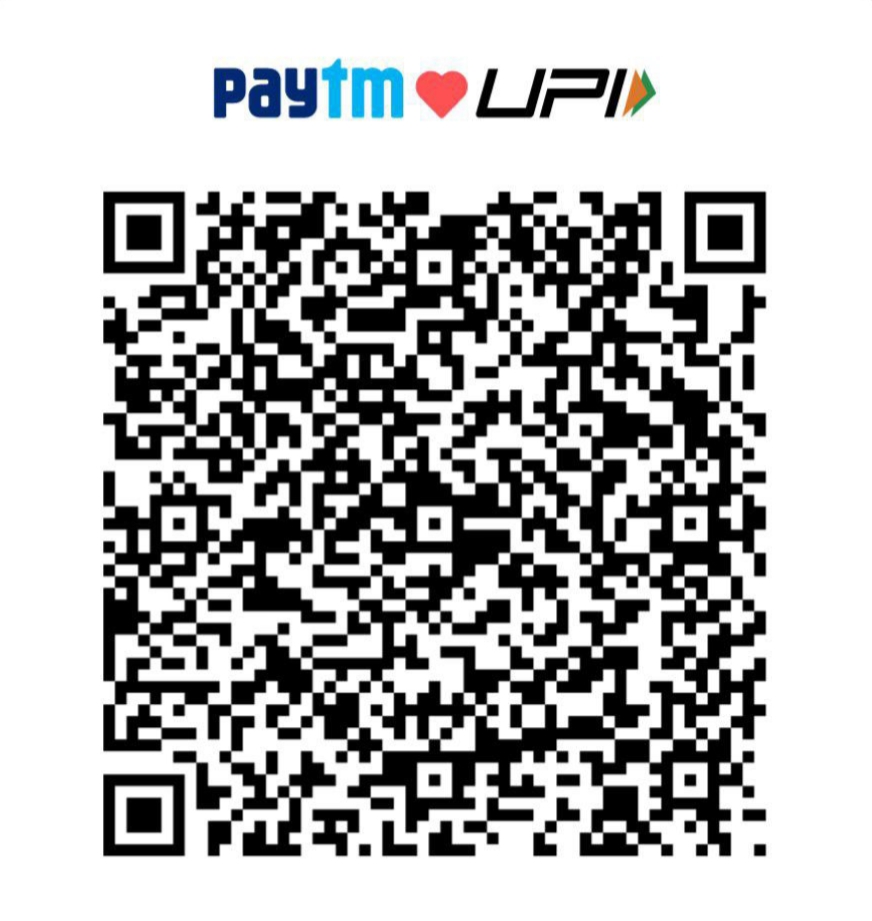
- 1 Open your UPI app (GPay, PhonePe, Paytm, etc.)
- 2 Tap "Scan QR" and scan the code on the left
- 3 Enter ₹99 manually as the amount
- 4 Complete the payment and take a screenshot
- 1 Open any UPI app and tap "Pay by UPI ID"
- 2 Paste the UPI ID below into the search field
- 3 Enter ₹99 manually as the amount
- 4 Pay and take a screenshot of the success screen
Step 2 — Send Screenshot & Activate 🎬
After payment, tap below to open Telegram and send your screenshot to get instant access.
✈️ Activate on TelegramOutside India?
UPI may not work for international users. Contact on Telegram to get a payment method available in your country.
How do I pay?
Use Option 1 (scan QR) or Option 2 (copy UPI ID). Open your preferred UPI app, enter the plan amount manually, and complete payment.
What happens after payment?
Tap "Activate on Telegram" and send your payment screenshot. Your access will be activated after quick verification — usually instant.
Payment shows "risk" or fails?
Try a different UPI app or scan the QR from inside your app instead. You can also retry after a few minutes. Contact on Telegram if the issue persists.
I'm outside India
UPI works within India only. Please contact on Telegram and we'll arrange an alternative payment method for you.
Refunds and cancellations
Subscriptions are non-refundable. You can stop renewal at any time — your current period stays active until it expires.
Support hours
Daily 10:00–22:00 IST. Messages sent after hours are answered first thing the next day.